PC Builds
Custom PC vs. Prebuilt PC: Which One Makes More Sense?
By Matthew Roupp · Updated · 10 min read
A balanced guide to building a computer yourself versus buying one already assembled, including cost, support, warranties, upgrades, and risk.
Building gives control
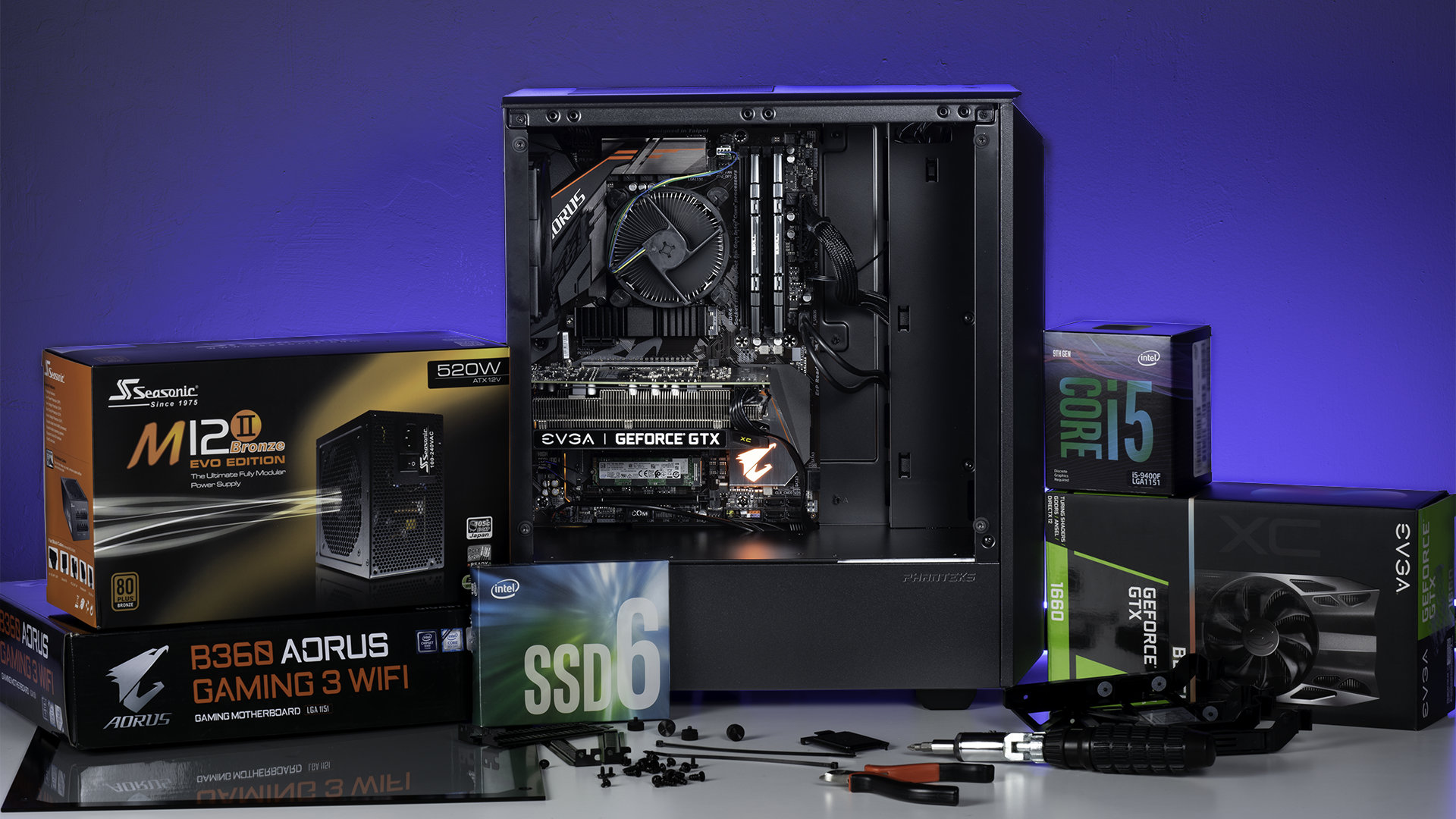
A custom PC lets you choose the exact processor, graphics card, motherboard, RAM, storage, case, power supply, cooling, and look of the system. That control is useful when someone has a specific goal, such as quiet operation, upgrade room, a certain color theme, small size, or strong gaming performance for a specific resolution.
Building also teaches how computers fit together. After building one, upgrades and troubleshooting usually feel less mysterious. That learning value is real, especially for someone interested in technology or IT work.
Prebuilt gives convenience
A prebuilt PC arrives assembled, tested, and ready for setup. For someone who does not want to manage compatibility, cable routing, BIOS updates, Windows installation, or troubleshooting a no-display problem, that convenience matters.
A prebuilt can also simplify support because the whole machine comes from one seller or manufacturer. Instead of diagnosing which part failed and contacting separate companies, the owner may be able to contact one support channel.
The hidden risk is part quality
Some prebuilts use excellent parts. Others save money in places buyers do not notice, such as power supply quality, motherboard features, cooling, RAM configuration, storage speed, or case airflow. Two systems with the same CPU and GPU can perform differently if one runs hot or uses weaker supporting parts.
Custom builds avoid some of that uncertainty because each part is selected intentionally. However, custom builds also shift responsibility to the builder. If something does not work, the builder has to troubleshoot it. Tiny goblin tax, basically.
Warranty differences matter
With a custom build, each part has its own warranty. That can be good because quality components may have strong individual warranties, but it also means the owner must identify which part failed. With a prebuilt, the full system warranty may be easier to use, especially for someone who does not want to diagnose hardware failures.
For a business, family member, or non-technical user, support can matter more than squeezing out the best possible part list. The right answer is not always the most powerful answer.
A practical decision rule
Build if you want control, learning, upgrade flexibility, and you are comfortable troubleshooting. Buy prebuilt if you want a working system quickly, prefer a single warranty path, or do not want to handle assembly risk. Either option can be good if the parts, price, and support make sense.
Custom vs. prebuilt checklist
- Compare the full parts list, not only CPU and GPU.
- Check power supply brand, rating, and wattage.
- Look for dual-channel RAM on gaming systems.
- Check case airflow and cooling reviews.
- Understand the warranty before buying.
- Leave room in the budget for monitor, keyboard, mouse, speakers/headset, and Windows if needed.