Security
Phishing and Tech Support Scams: How to Slow Down Before You Click
By Matthew Roupp · Updated · 9 min read
A realistic guide to suspicious emails, fake warnings, urgent texts, remote access scams, and safer ways to verify messages.
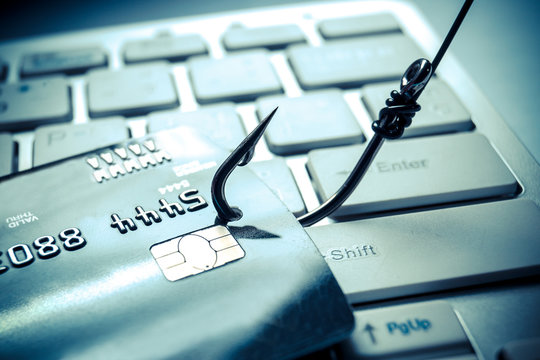
A scam usually tries to rush you
Phishing is a trick where someone tries to get passwords, codes, money, account access, or personal information by pretending to be someone else. The message may look like it came from a bank, delivery company, school, employer, streaming service, antivirus company, or even someone you know.
The pressure is the clue. Scam messages often say something is urgent: your account will close, a payment failed, a package is stuck, your computer is infected, or someone has used your card. The goal is to make you act before you think.
Do not click first; verify first
If a message seems important, open a new browser tab and go to the official website yourself. Do not use the link in the suspicious email or text. For a bank or card, use the number on the back of the card. For a school or workplace, use the normal portal or known contact method.
This habit is simple but powerful. It separates real account issues from fake messages designed to steal information.
Tech support scams are built on fear
A tech support scam may claim your computer is infected, your Microsoft account is locked, your antivirus expired, or your bank account is at risk. The scammer may ask you to call a number, install remote access software, buy gift cards, move money, or provide login codes.
Legitimate tech companies do not randomly call people to say their computer has a problem. Pop-up warnings that trap the browser, shout about viruses, or demand a phone call should be treated as suspicious.
What to do if you already clicked
Do not panic, but do act. Disconnect from the situation. Close the page, hang up the call, and do not install anything else. If you entered a password, change it from a safe device and turn on MFA. If you gave payment information, contact the bank or card company. If remote access was installed, remove it and consider having the device checked.
The earlier you stop, the better. Scammers rely on embarrassment to keep people quiet. Asking for help quickly is the right move.
Before clicking, ask this
- Was I expecting this message?
- Is it trying to scare or rush me?
- Does the sender address actually match the organization?
- Can I verify this through an official website or known phone number?
- Is it asking for passwords, codes, payment, gift cards, or remote access?
- Would I still trust this message if it did not look official?