Security
Smart Home Device Safety: Cameras, Speakers, Plugs, and Bulbs
By Matthew Roupp · Updated · 8 min read
A practical guide to safer smart home setup, including separate networks, updates, accounts, cameras, and privacy basics.
Smart devices are convenient, but they are still computers
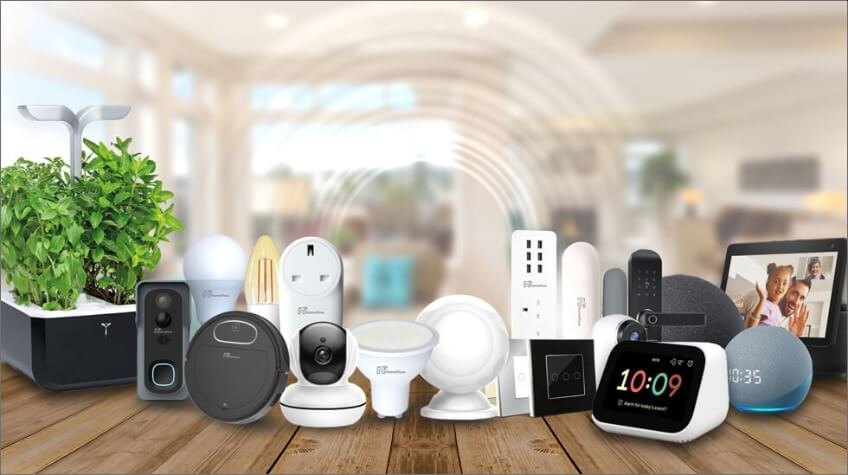
Smart bulbs, plugs, speakers, thermostats, cameras, doorbells, and appliances can make a home easier to manage. They can also add more internet-connected devices that need accounts, updates, passwords, and privacy decisions.
The risk is not a reason to avoid smart home devices completely. It is a reason to set them up with some basic rules instead of adding twenty mystery gadgets and hoping the Wi-Fi spirits approve.
Use strong account protection
Many smart devices are controlled through cloud accounts. If someone gets into the account, they may be able to view cameras, change settings, unlock features, or control devices. Use a unique password for the smart home account and turn on MFA if available.
This matters most for cameras, doorbells, locks, garage doors, and anything that affects privacy or physical access.
Separate networks can help
If your router supports a guest network or IoT network, it can be useful to place smart devices there. The goal is to keep less-trusted devices away from personal laptops, phones, printers, and storage devices.
This setup may require testing because some smart devices need phone discovery features that behave differently across networks. Still, separation is worth considering for a cleaner home network.
Think before placing cameras and microphones
Cameras and microphones deserve extra thought. Avoid placing indoor cameras in private areas. Review who has account access. Check whether recordings are stored locally, in the cloud, or both. Understand subscription costs before relying on a camera system for safety.
Also check device update history and company reputation. A cheap camera is not a deal if the app is unreliable, updates stop quickly, or privacy controls are weak.
Smart home safety checklist
- Use unique passwords for smart home accounts.
- Turn on MFA when available.
- Update device firmware and apps.
- Place smart devices on a guest or IoT network if practical.
- Review who has access to camera feeds and device controls.
- Avoid using unsupported devices that no longer receive updates.
- Check subscription costs before depending on cloud recording.